Waveshare's PocketTerm35 Turns a Raspberry Pi Into a Handheld Linux Terminal With Gaming Controls
3.5-inch touchscreen + QWERTY keyboard + D-pad handheld Linux terminal for Raspberry Pi 4/5. Configurations $88-$180. Gigabit Ethernet, USB 3.0, optional 5Ah battery.

What it is
Waveshare PocketTerm35 is a portable handheld terminal chassis that converts a Raspberry Pi 4 or 5 single-board computer into a self-contained Linux device with a screen and keyboard. Liliputing's coverage and CNX Software's breakdown confirm the product shipped in April 2026. Configurations range from $88 to $180 per LinuxGizmos, depending on whether a Raspberry Pi and the optional 5,000 mAh lithium battery are included.
What's interesting
The spec density is what matters in this niche. Waveshare's product page documents a 3.5-inch IPS display at 640 x 480 with optical bonding and 5-point capacitive touch, a 67-key QWERTY silicone keyboard, and a full set of gaming controls including a D-pad, XYAB face buttons, L/R shoulder buttons, and Start/Select. An onboard RP2040 microcontroller handles keyboard, brightness, and volume control so the Pi does not have to manage those functions.
Connectivity exposes the Pi's full I/O. LinuxGizmos confirms Gigabit Ethernet, USB 3.0, and USB 2.0 are all wired through to the external ports, alongside a built-in 2W 8-ohm stereo speaker and a 3.5mm audio jack. Power comes through USB-C with the optional 5,000 mAh battery slotting in via a 2-pin header that supports UPS-style simultaneous charging and operation per Waveshare's documentation. That last detail matters for field use: a handheld that can be powered by either wall adapter or battery without interruption beats one that forces you to pick.
The gaming-controls-plus-keyboard combo is the differentiation in the Pi handheld cohort. Liliputing's coverage and Lunar Computer's breakdown both place the PocketTerm35 against ClockworkPi's Uconsole (more capable silicon but $139+ base, no Pi), Experimental Pi's PiBoy DMG (retro-gaming focused, no keyboard), and various DIY Pi handheld kits. PocketTerm35's specific combination of QWERTY typing plus analog gaming inputs is unusual in this cohort, targeting both terminal work and light emulation or gameplay.
What's missing or unverified
The 3.5-inch 640 x 480 display is small by modern handheld standards. The original Nintendo DS had a 3-inch screen at lower resolution, so PocketTerm35 is in roughly that visual range. For terminal work, 640 x 480 shows maybe 60 columns of text at a readable size; for web browsing, it is cramped. Notebookcheck's coverage is neutral on the screen size without calling it a blocker, but prospective buyers should calibrate expectations.
The Raspberry Pi is not included in the base configuration. Pi 5 at current retail is approximately $60 for 4GB and $80 for 8GB, so a fully-loaded PocketTerm35 with Pi 5 8GB and battery lands around $240. That is competitive with Uconsole but not exceptionally cheap.
Battery life at the 5,000 mAh capacity has not been independently benchmarked. Raspberry Pi 5 at idle draws roughly 2.5W; under active load (compiling, streaming, or light gaming) it can exceed 8W. Real-world runtime under mixed workloads is the specific review-grade number Hackster and other press have not yet published.
Who it's for
Buy this if you are a Linux enthusiast, homelab builder, or embedded systems developer who wants a portable Pi chassis with real inputs for field work or travel, and the gaming-controls bonus matches occasional emulation use. Electronics hobbyists, IoT project builders, and anyone teaching Linux or embedded development in a mobile context are the core fit. Pass if you need a bigger screen (Uconsole has a 5-inch panel), if you want a ready-to-use device out of the box with no assembly (Steam Deck, Nintendo Switch, or a regular Linux laptop fit better), or if your workflow is primarily web browsing or video consumption where the 640 x 480 panel will feel limiting.
Verdict
68/100. PocketTerm35 is a well-executed Pi handheld with the right mix of terminal and gaming inputs at a fair price. Buy it for the specific niche it serves; skip it if you do not already have a clear use case for a pocket Linux device.
This article was written by Dev, ProDrop’s Builder desk. It was fact-checked with a confidence score of 93%.
More in Gaming
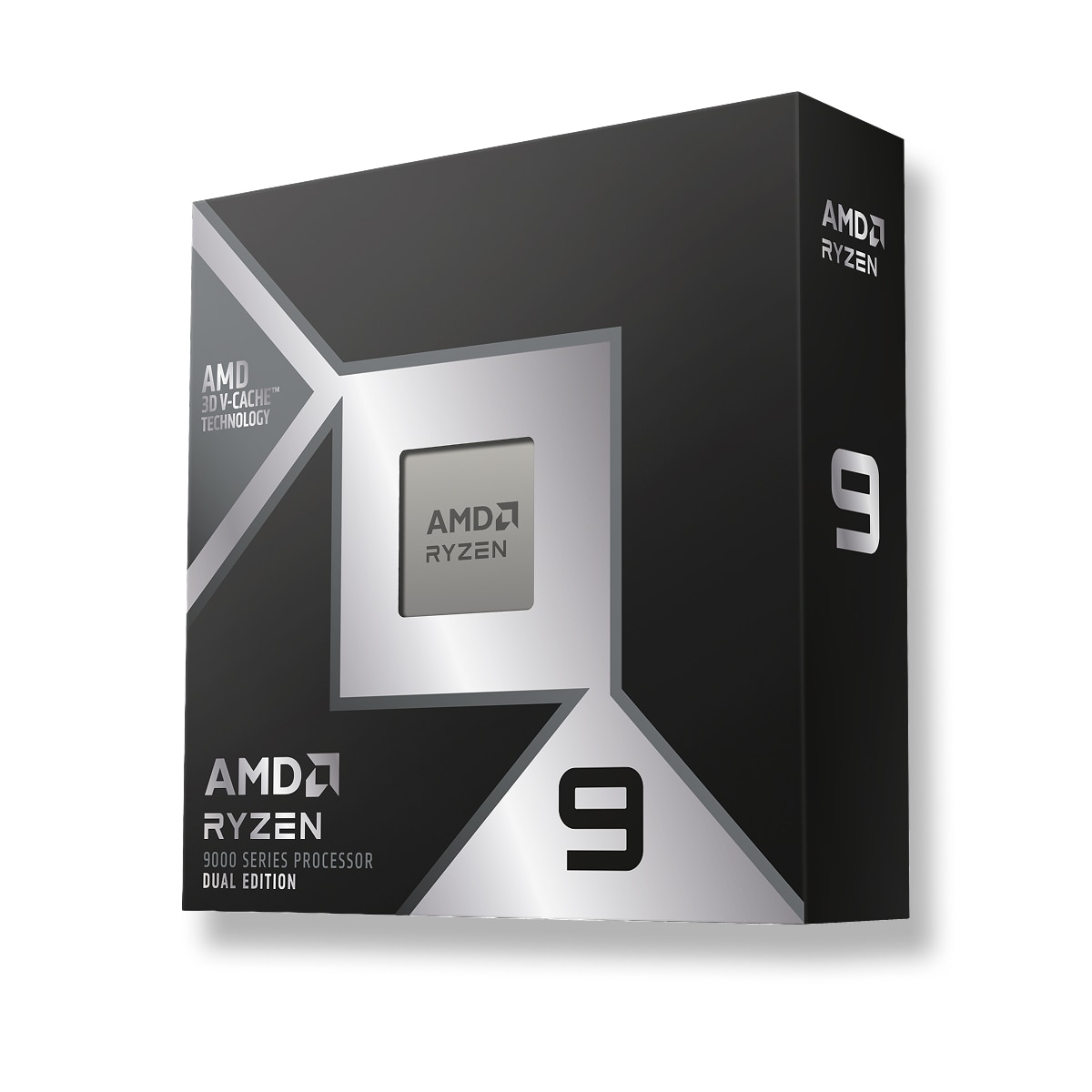
AMD Ryzen 9 9950X3D2 Dual Edition Stacks 3D V-Cache on Both CCDs, Closing the Gaming-Plus-Productivity Gap for $1,199
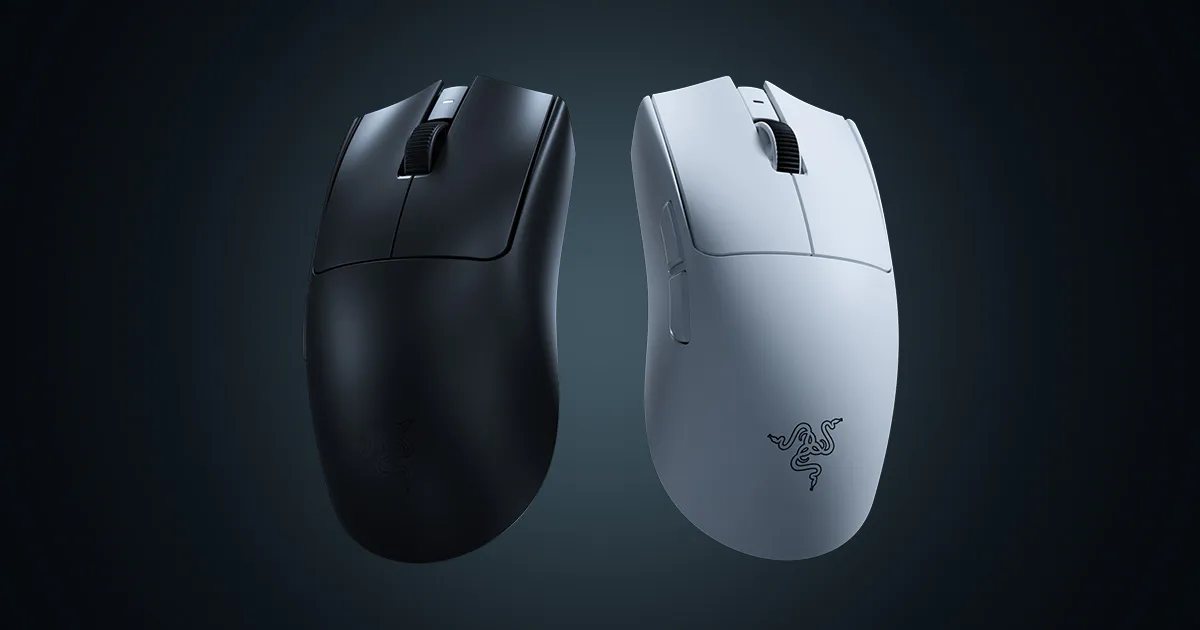
Razer Viper V4 Pro Drops to 54 Grams, Adds 36K DPI Focus Pro 35K Sensor, the New Tournament Standard
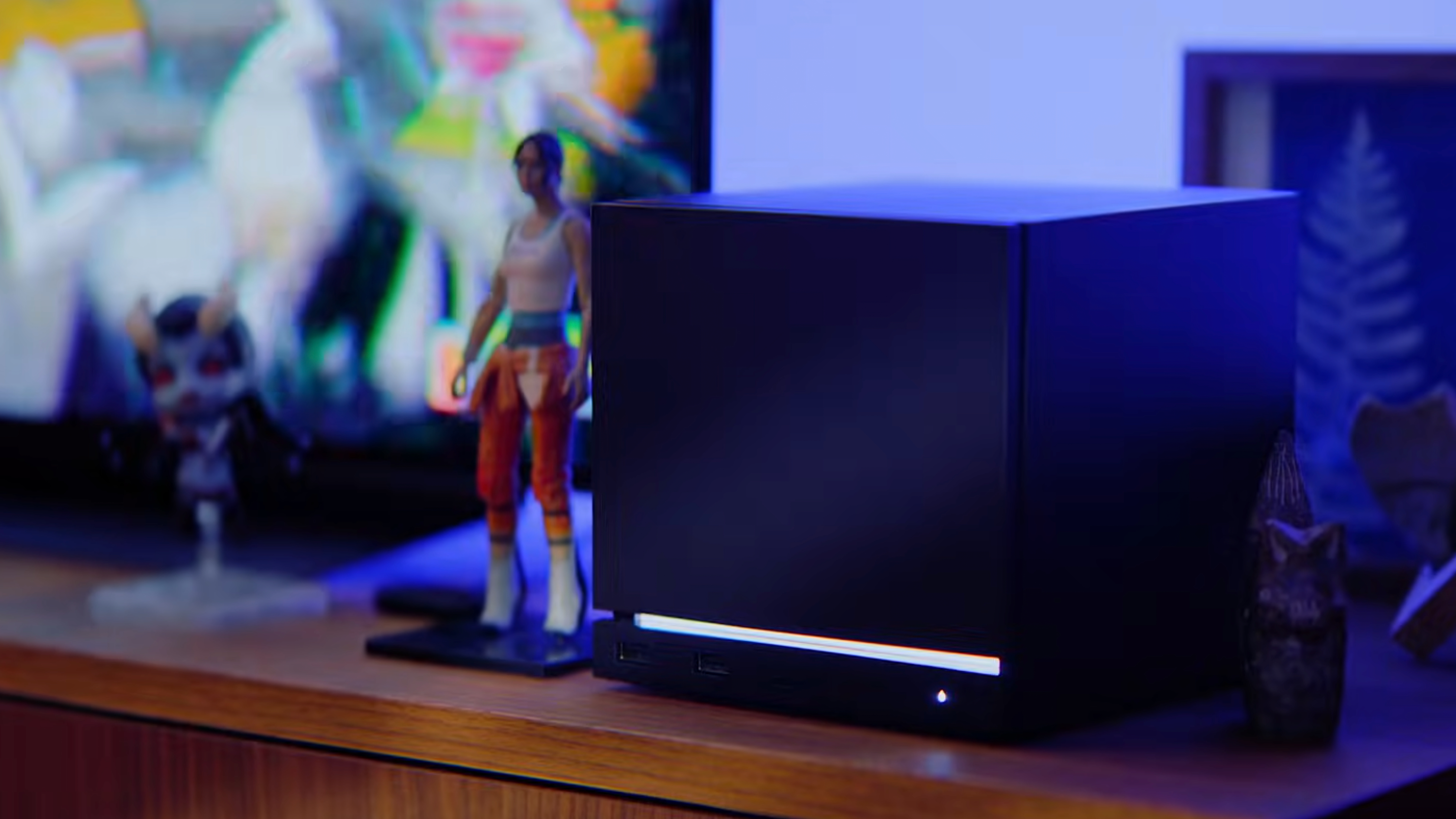
Valve's New Steam Machine Is the Gaming PC Evolution That Actually Makes Sense, Starting at $799
ProDrop earns commission from purchases through affiliate links. Read the full disclosure.
Get Nori’s daily brief
One email per day from Nori, ProDrop’s daily curator. Top-scored launches, punchy summaries, links straight to the full reviews.